
Ubuntu 16.04 Latest Cinnamon Desktop Installation
Hi! The Tutorial shows you Step-by-Step How to Install Latest Cinnamon 3+ Desktop on Ubuntu 16.04 Xenial Xerus LTS GNU+Linux.
The Cinnamon Nightly Ubuntu Apt Repo PPA is not stable and so the Desktop may manifest some sort of Misbehavior.
The Cinnamon Desktop is an environment based on GTK+ 3. The project originally started as a fork of the GNOME Shell, i.e. a mere graphical shell. Cinnamon was initially developed by (and for) the Linux distribution Linux Mint.
Cinnamon is a Desktop environment which combines a traditional desktop layout with modern graphical effects.
Now with Cinnamon 3.x it has become a Complete Desktop Environment and not merely a frontend for GNOME like GNOME Shell and Unity.

-
Open a Terminal Shell emulator window
Ctrl+Alt+t on Desktop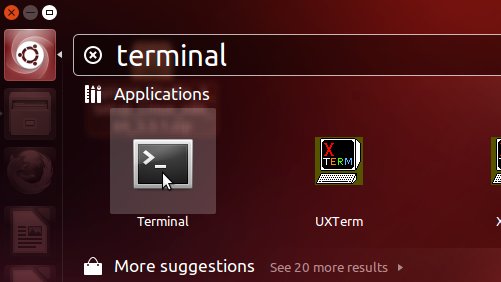
In case first see: Terminal QuickStart Guide.
-
How to Enable the Latest Cinnamon Apt PPA for Ubuntu
-
Installing the Cinnamon Desktop for Ubuntu 14.04+.
sudo apt-get install cinnamon
If Got “User is Not in Sudoers file” then see: How to Enable sudo
-
Then after Log-Out you’ll be able to Switch on Log-In Screen to Cinnamon.