
Google Drive Kali Linux 2018 Installation Guide
Hi! This tutorial will guide you step-by-step on How to Install Google Drive in Kali GNU/Linux 2018 Desktop.
And Google Drive on Kali 2018 is ported by the strong>google-drive-ocamlfuse, a FUSE filesystem for Google Drive written in OCaml.
With this Google Drive GNOME Client you can Getting-Started to Sync / Access Google Drive Cloud Files on Kali Desktop.
Because thanks to the new feature in Gnome 3.18+ Online Accounts is easy to have access to contents on the Google Drive and other Cloud Services.
Then to launch the administration tool of Online Accounts from desktops not GNOME / Unity will be necessary to make use of a Shell Command.
Especially relevant: CURRENTLY THIS CLIENT IS NOT SUPPORTING THE GOOGLE DRIVE POLICIES.
So instead you may see: RClone Browser Installation Guide.
-
Open a Terminal Shell emulator window
(Press “Enter” to Execute Commands)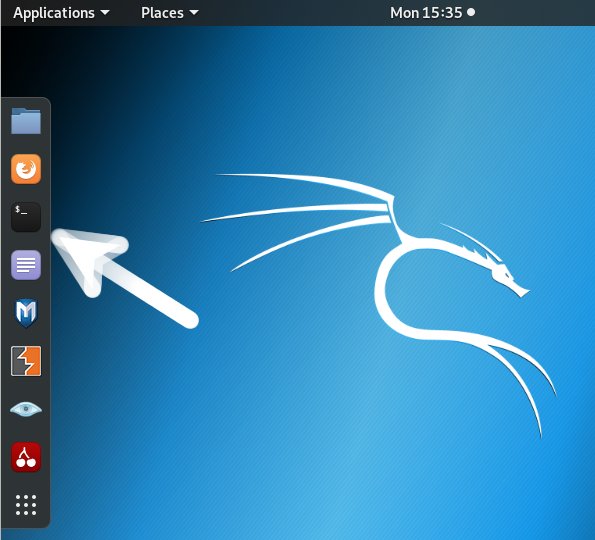
In case first see: Terminal QuickStart Guide.
Contents