
GNU/Linux Ubuntu 16.04 Epson L6460/L6490 Printer Setup – QuickStart Guide
Hi! The Tutorial shows you Step-by-Step How to Install Epson L6460/L6490 Printer/Scanner in Ubuntu 16.04 Xenial LTS GNU/Linux Desktop.
And to Install Epson L6460/L6490 Printer in Ubuntu Xenial you need to Setup the Proprietary Driver.
Moreover, using the Epson Printer Utility Software, you can check Ink Levels, View Error and other Status…
Especially relevant: to achieve the Setup follow the included instructions on How to Add L6460/L6490 Printer and Get Started Scanning.
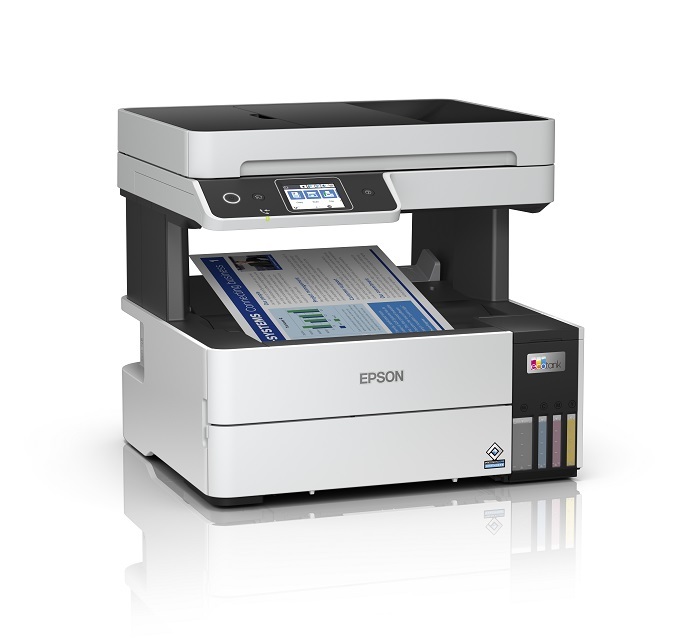
-
1. Launching Terminal
Open a Terminal window
Ctrl+Alt+t on Desktop
(Press “Enter” to Execute Commands)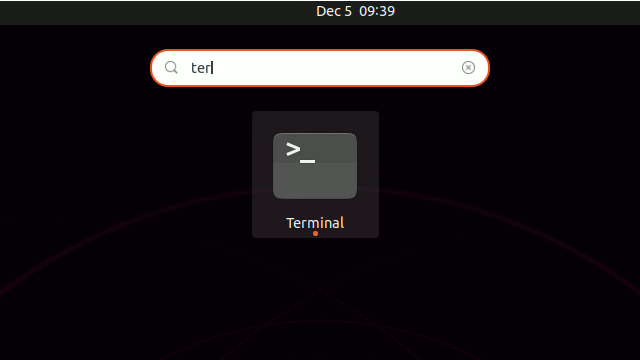
And then Update Ubuntu Xenial Repositories:
This step is a precaution in case the sources are not Up to Date.
So if you prefer try first to Install it directly like shown here below…sudo apt update
Contents